AI headshot examples
A headshot here is three separate choices: how the light falls, what the person is wearing, and what is behind them. Presets combine all three, or you can set each one yourself.
Every image is generated from the photo you upload, so the face is the face you sent. What changes is the treatment around it. Each of the three axes below does a different job, and each one can be pinned by a company owner so everybody's headshots land in the same place.
Lighting
Lighting decides the mood of a headshot more than anything else. Soft, broad light from the side flatters most faces and hides an uneven skin day — it is the safe choice for a team page, because it looks the same on everyone. Harder, more directional light gives sharper shadows and more contrast, which reads as confident and works well in press and speaker contexts. Even, shadowless light is the plainest of the three: nothing draws attention to itself, which is exactly what you want in a directory of two hundred people or a small signature avatar.
A team owner who pins lighting has done the single most useful thing for consistency: two people photographed in different rooms, on different phones, come back looking like they sat in the same chair.
Lighting options
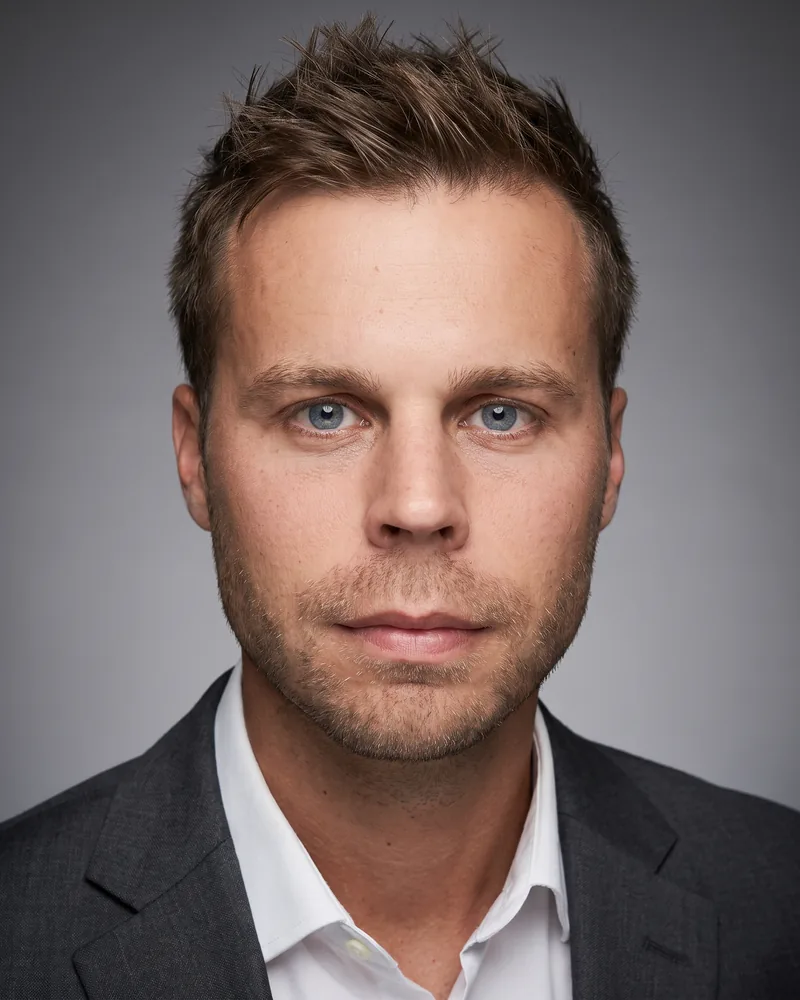
Soft and flattering
A broad key from the left with gentle fill. Open shadows, low contrast.
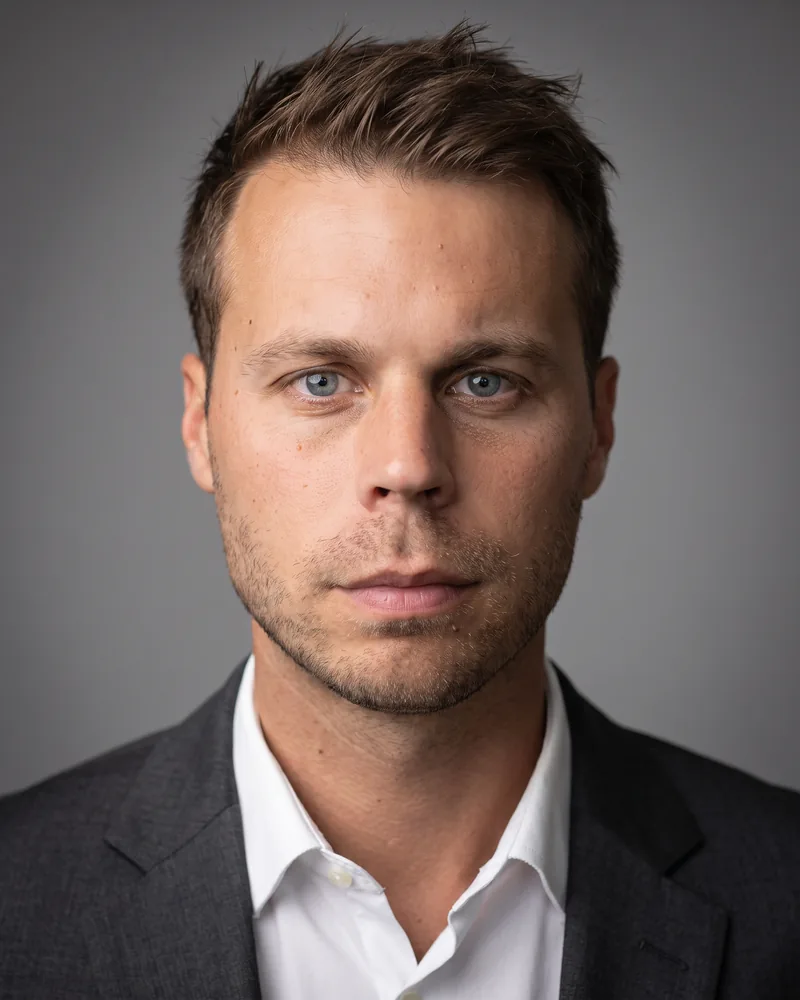
Warm daylight
North-facing window light from the left, warm, with a natural falloff.
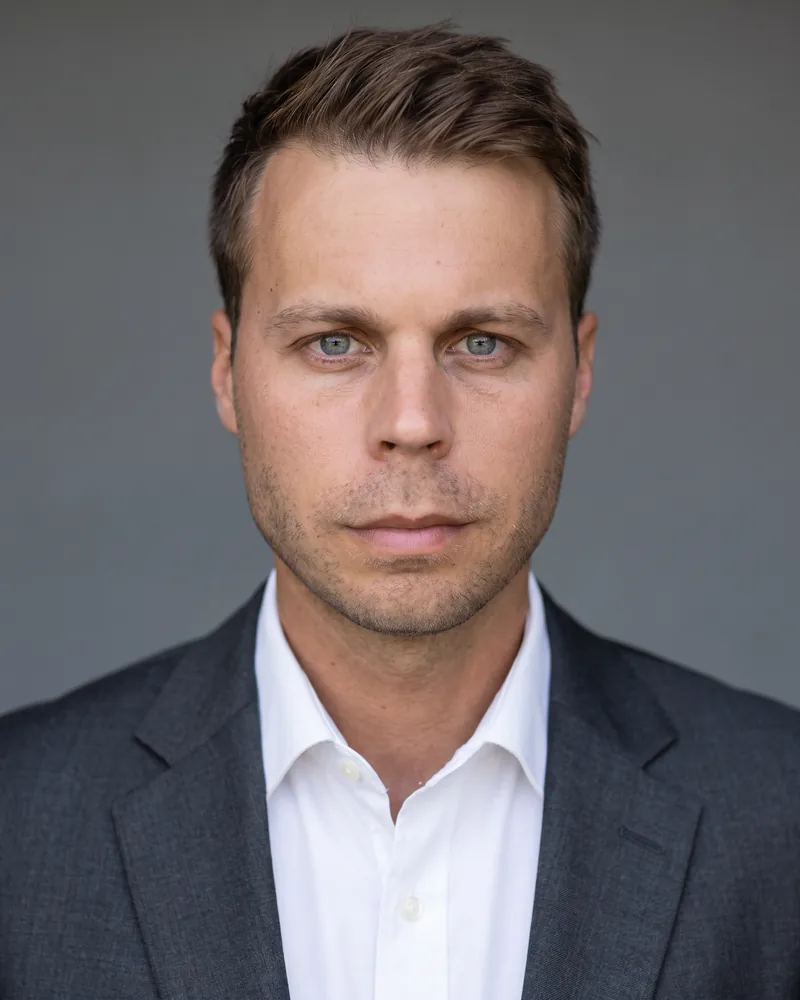
Open shade
The even, directionless daylight of an overcast day, with a faint rim where it wraps the shoulders.
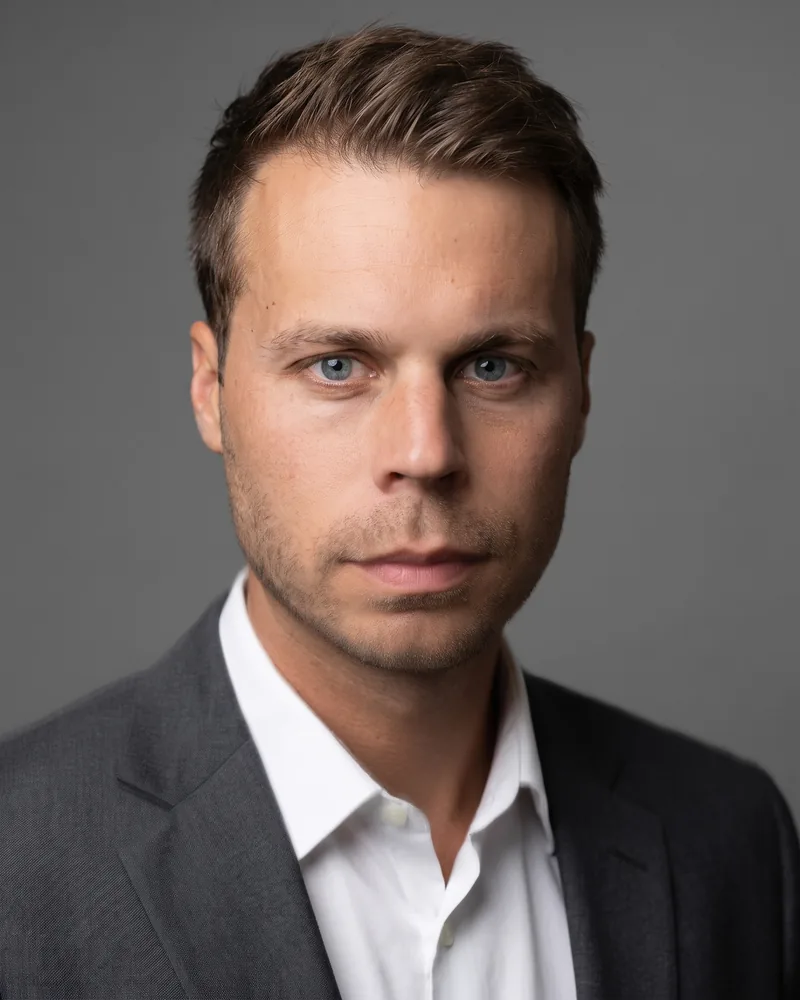
Tonal key
A single soft key shaped for tone rather than colour: bright cheekbones, shadows that keep their detail.
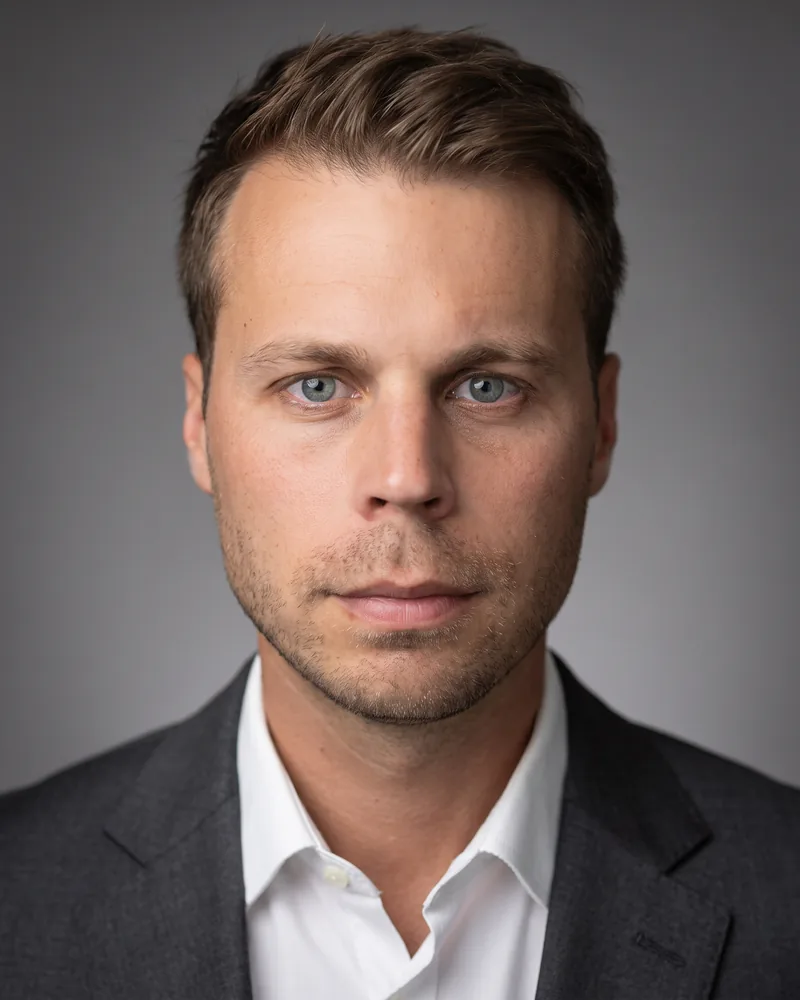
Bright and airy
Broad frontal light of the kind a large window gives. Almost no visible shadow.
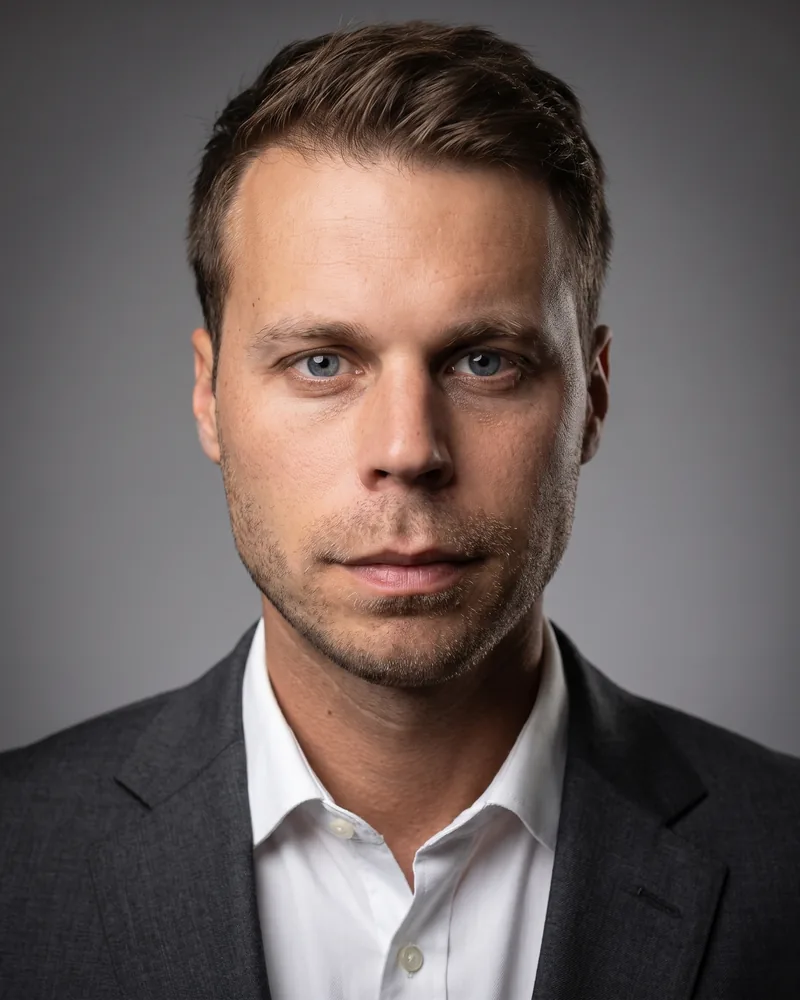
Directional
Light from the left that falls away quickly, with a bright edge along the shadow side of the jaw.
Attire
Attire sets how formal the result reads. A business suit or a jacket suits finance, law and executive bios. Smart casual — a shirt or a knit, no tie — is what most companies actually want, because it matches how their people turn up to work and dates far more slowly. There is also “What I'm wearing”, which keeps the clothes from your own photo and only tidies and relights them. Pick that one if you dressed for the shot; pick a garment if you took the photo in a t-shirt on a Sunday.
Attire is generated, not photographed. It is a rendering of clothing, not a promise that a specific garment will be reproduced thread for thread.
Attire options
- Placeholder
What I'm wearing
Keep the clothes from your photo. We will tidy and light them, but not change them -- pick this if you dressed for the shot.
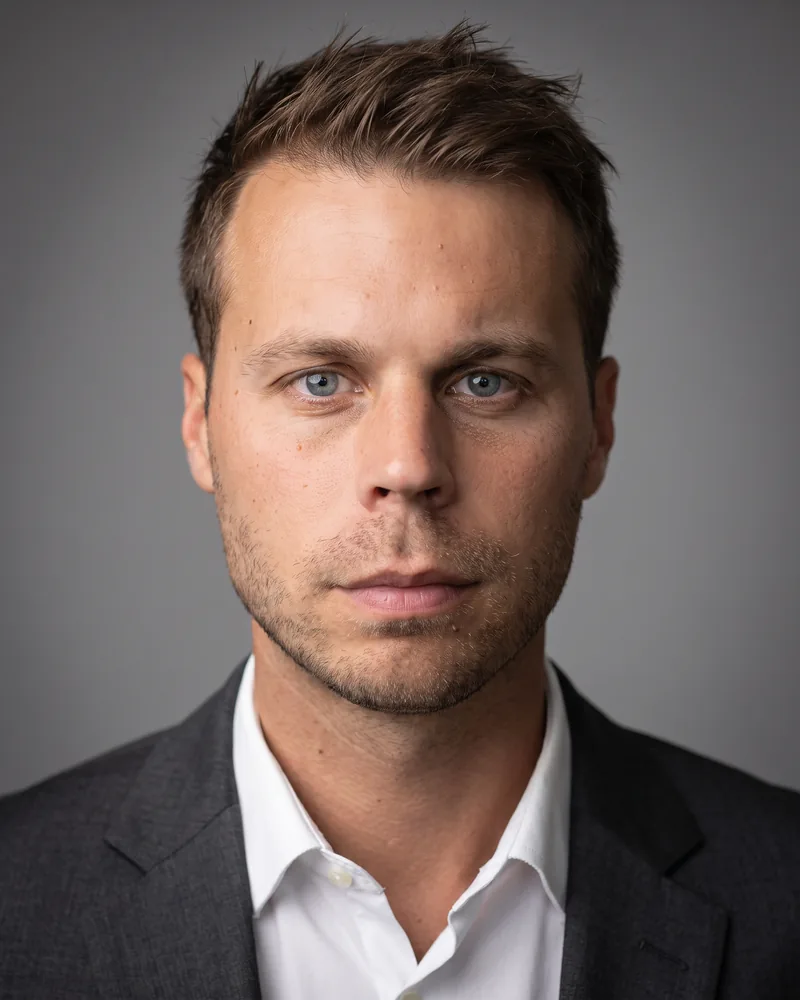
Charcoal suit
A charcoal grey suit jacket over a crisp white shirt, no tie.
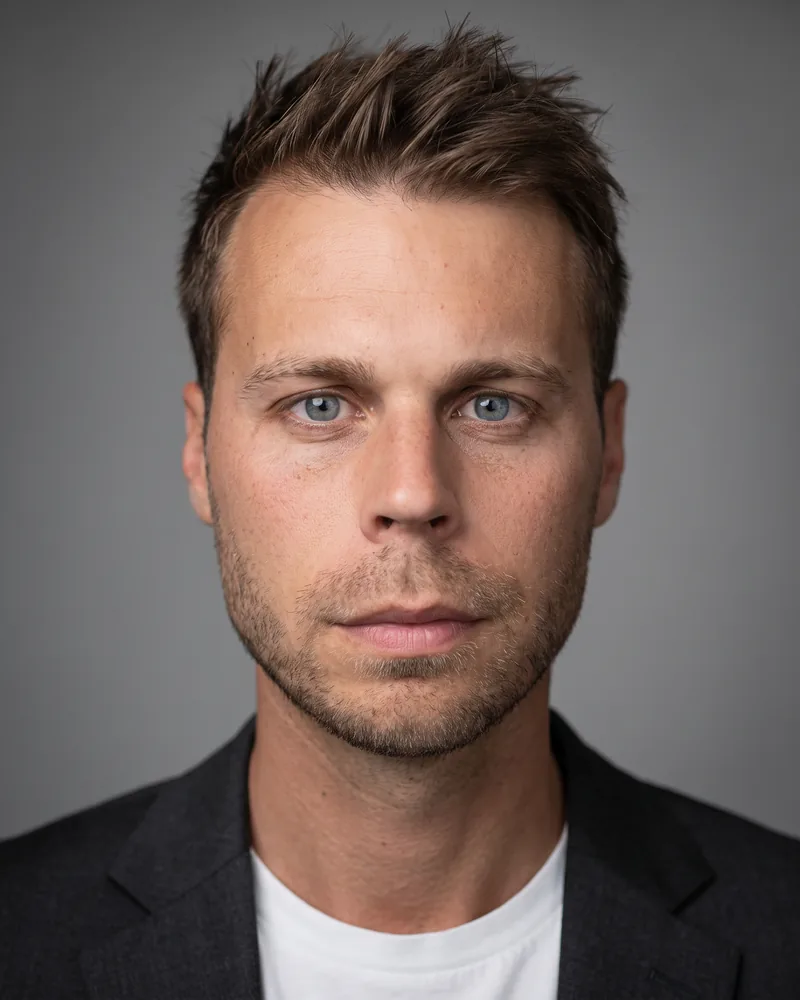
Dark blazer
A charcoal blazer over a plain shirt.
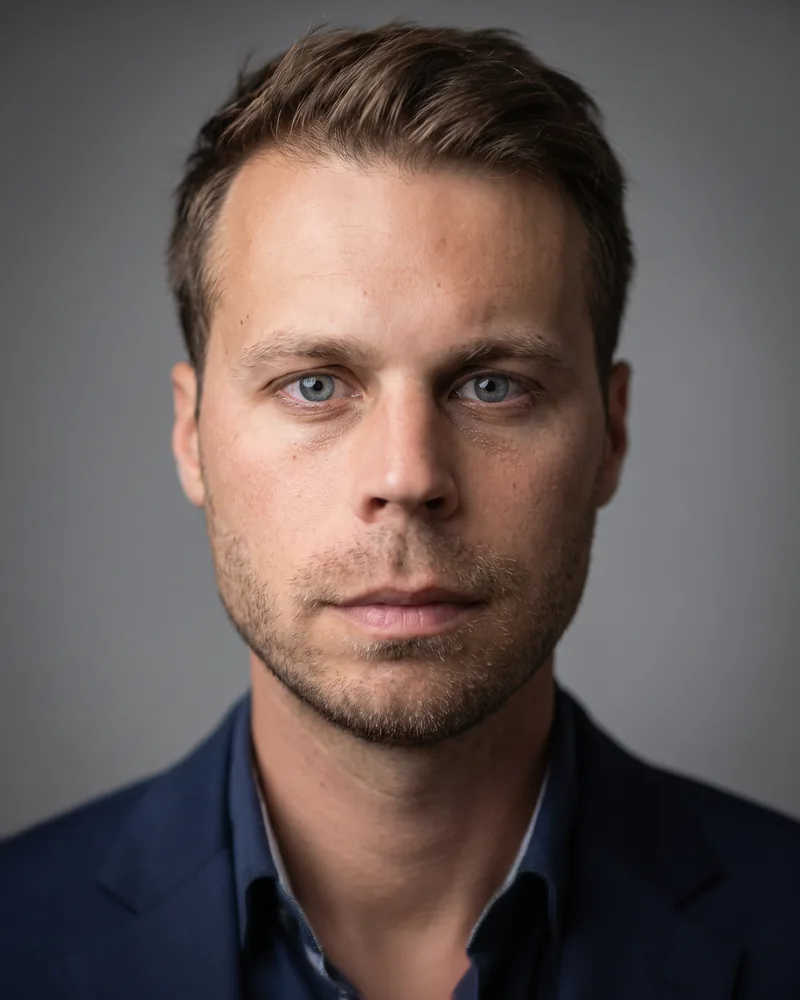
Navy blazer, open collar
Navy or slate over a plain shirt, no tie.
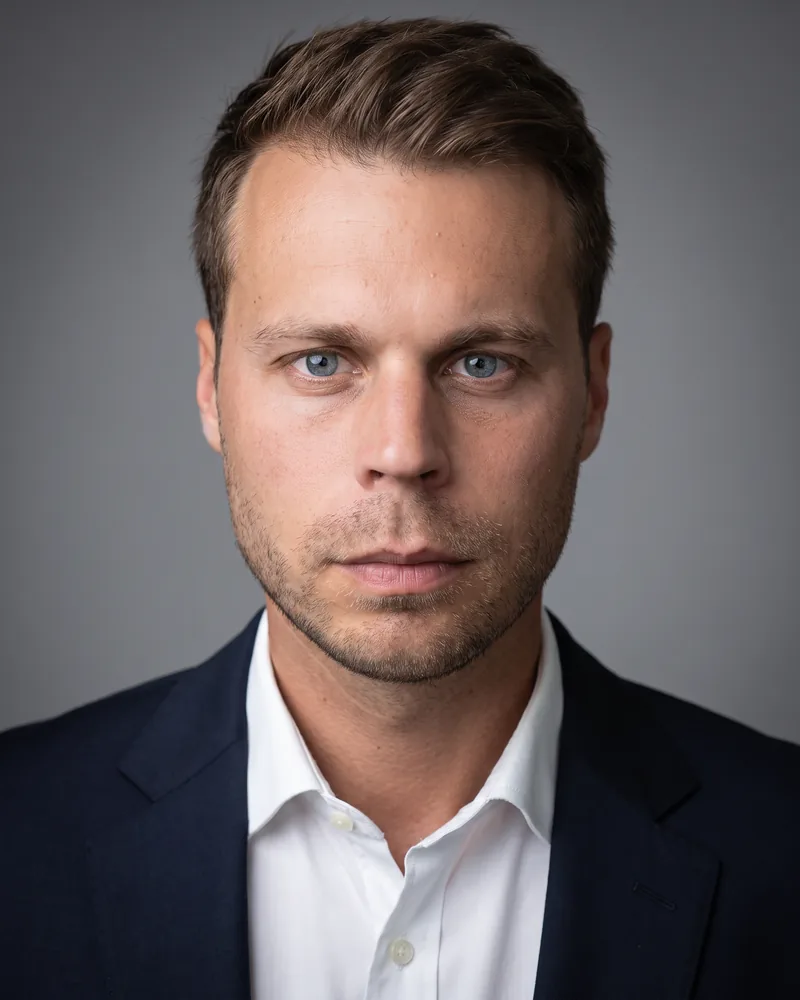
Dark jacket, plain shirt
Simple shapes and no busy pattern.
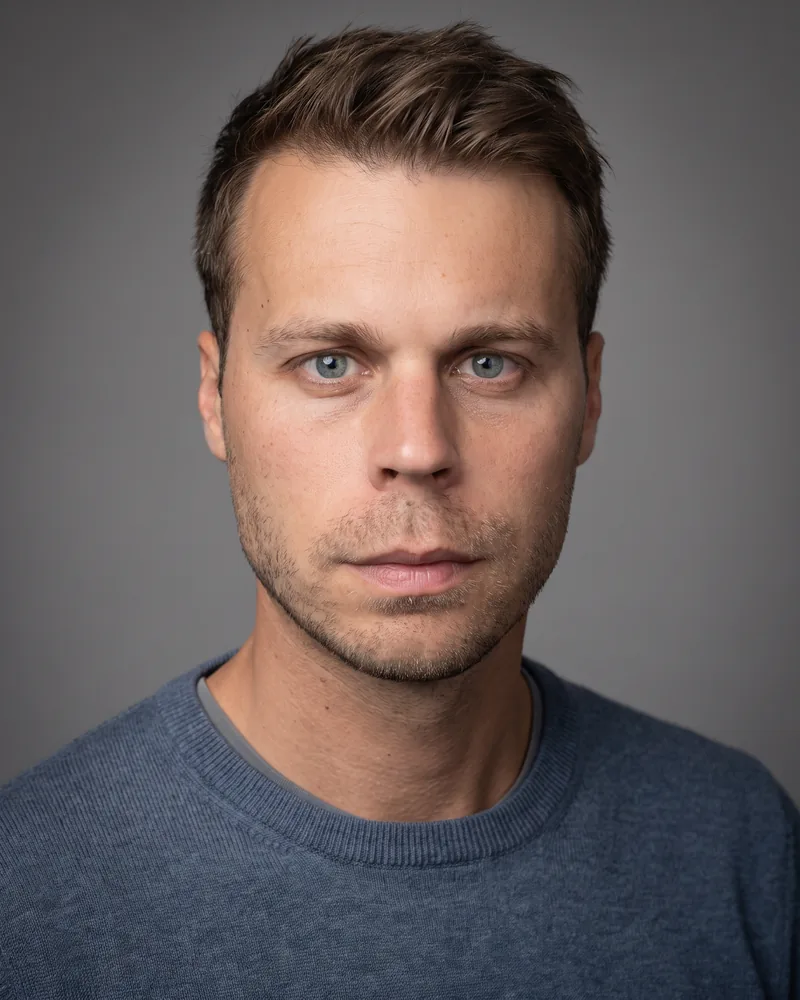
Merino knit, no jacket
A fine-gauge knit in slate blue over a plain undershirt.
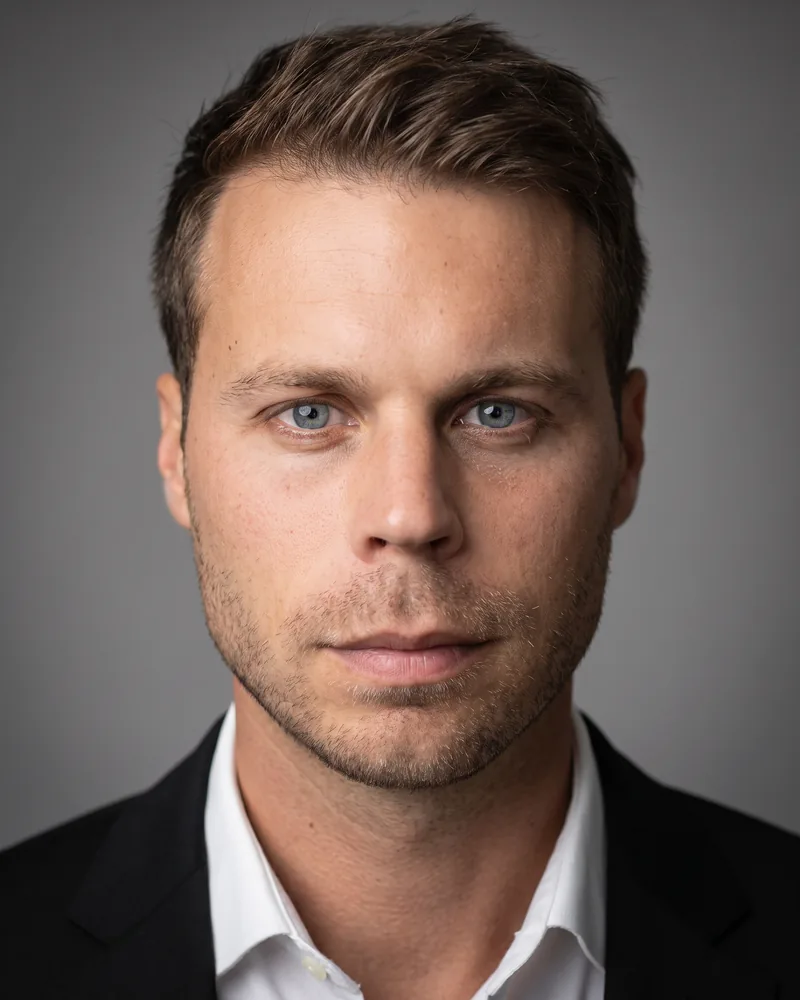
Black suit
A black suit jacket over a white shirt, sharply tailored.
Background
The background is what makes eight separate headshots look like one set. A plain studio backdrop in grey or off-white crops well and never fights the face — it is the most reusable option and the one most team pages end up with. A softly blurred office suggests a real workplace without showing anything confidential. You can also supply your own image or a flat brand colour, which is the only background choice that costs extra, and it is charged once per order rather than per image.
A company can pin its own background image for everyone. When an owner has done that, nobody on the team is asked to choose — their headshots simply arrive on it.
Background options
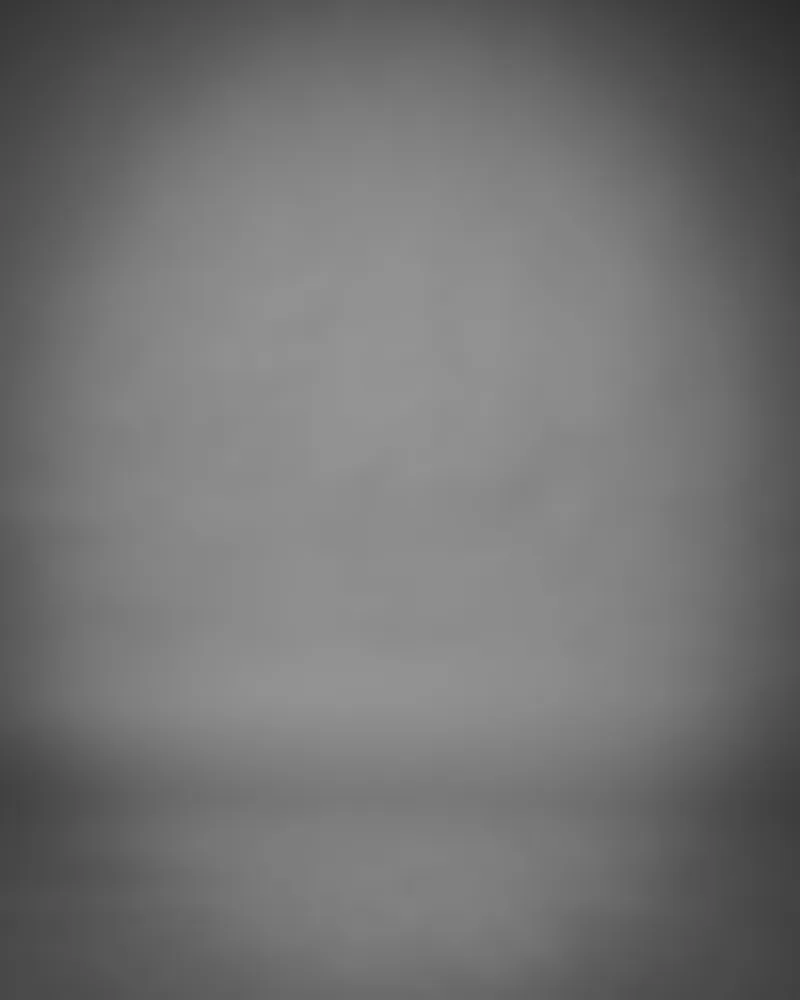
Studio grey
Smooth mid-grey seamless with a subtle vignette.
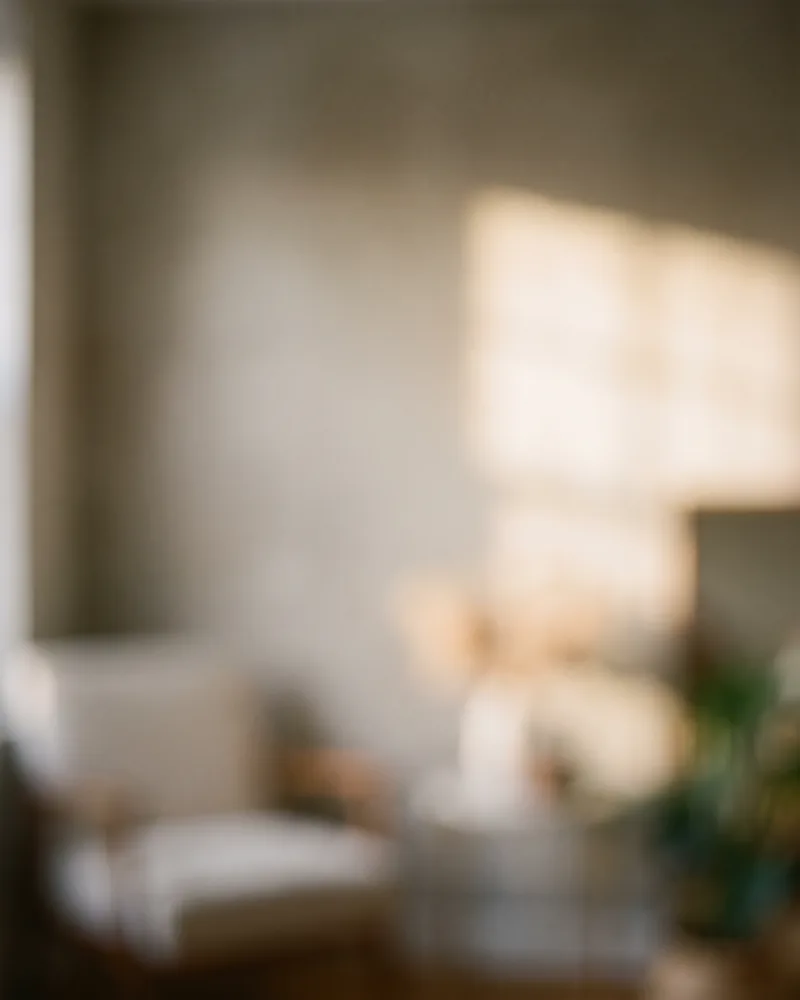
Blurred office
A defocused interior wall in warm grey.
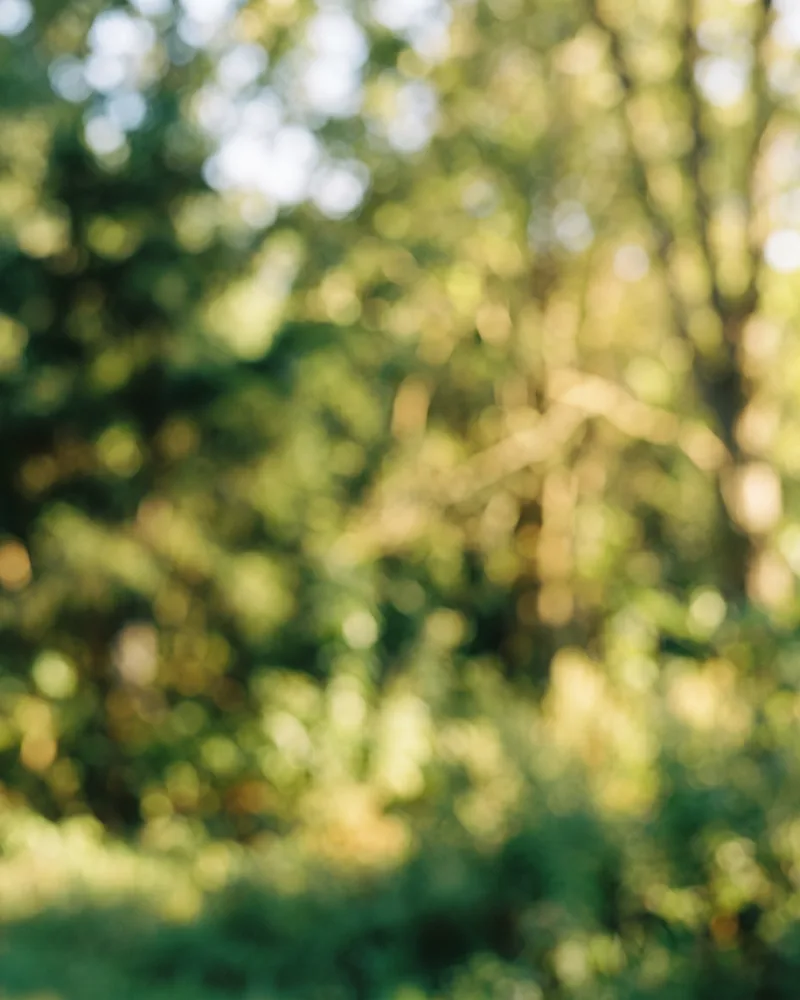
Outdoor greenery
Defocused daylight and greenery.
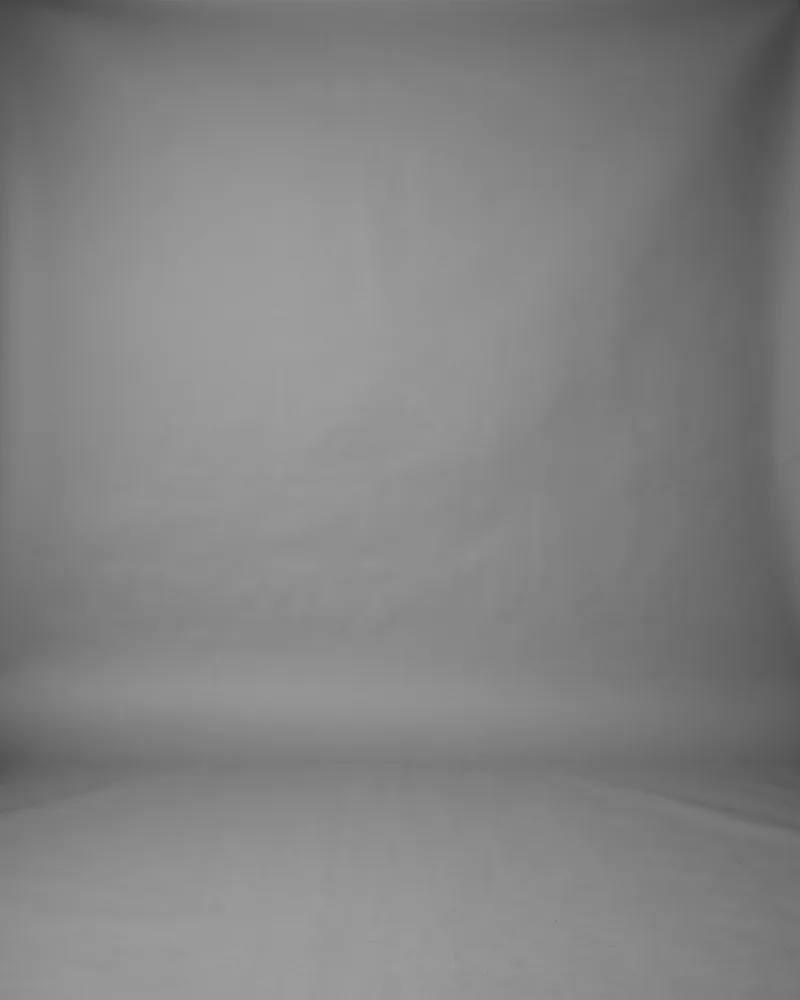
Greyscale grey
Mid-grey in greyscale.
Light warm grey
A soft gradient, gently defocused.
Near black
Dark charcoal falling to black.
Off white
Clean, evenly lit, softly defocused.
Blue grey
Muted and desaturated, evenly lit.

White seamless
Bright white seamless backdrop.
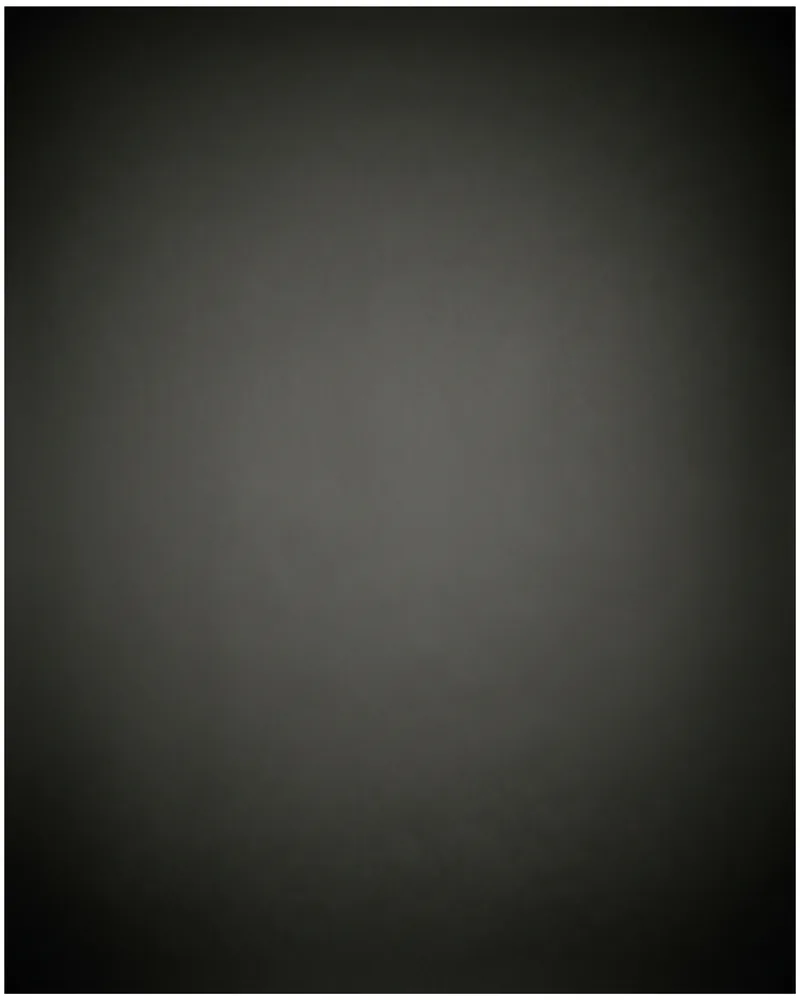
Deep grey
Neutral, falling off darker at the edges.
Presets
A preset is the three axes chosen together by us, so nobody has to think about it. Pick one and you are done; open the axes and you can still change any single part of it.
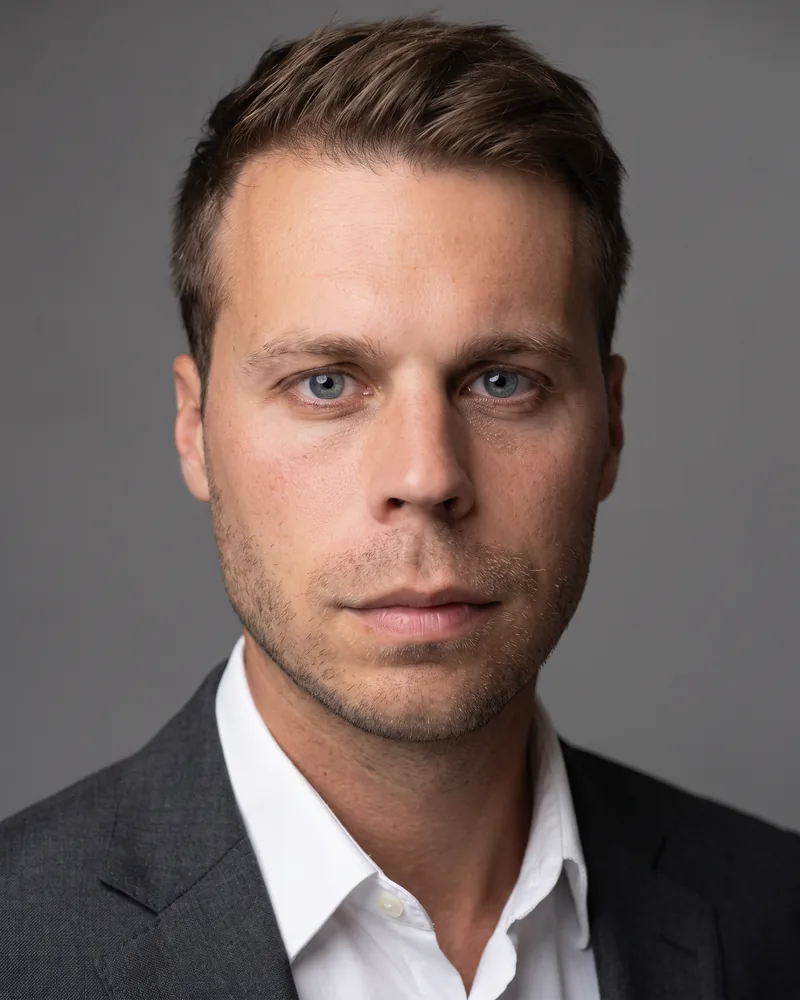
Studio Grey
A neutral grey studio backdrop and even, flattering light. The safe choice, and the one that looks right everywhere.
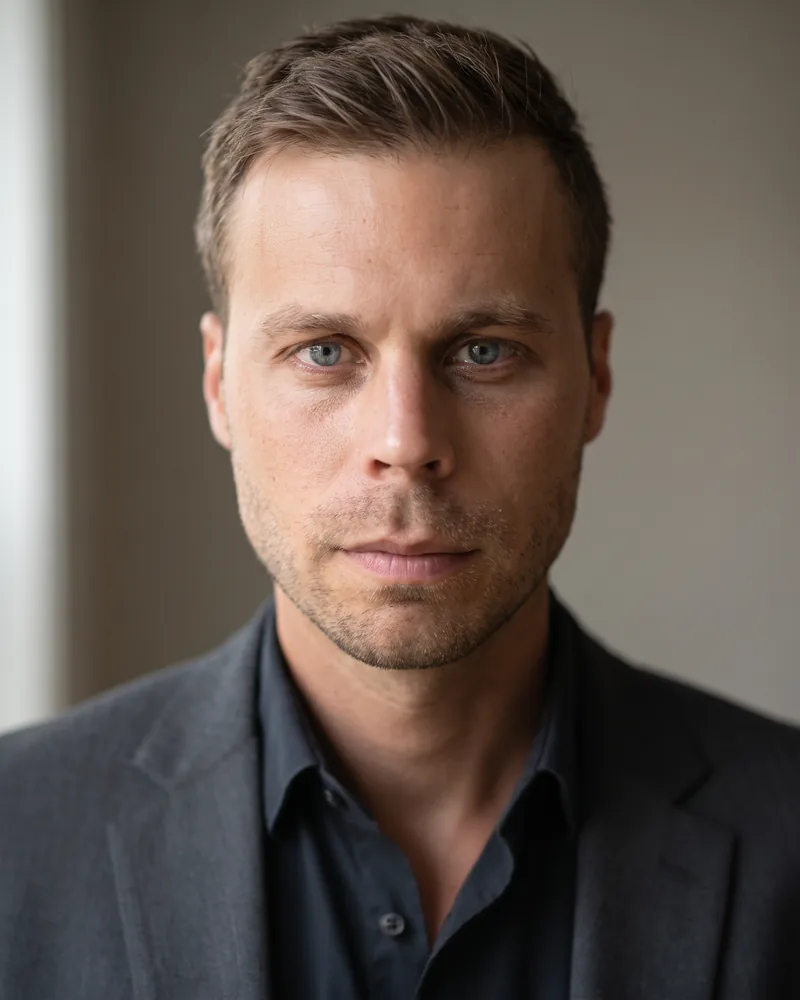
Office Blur
A softly blurred interior, as though photographed at your desk on a good day. Warm and unstaged.
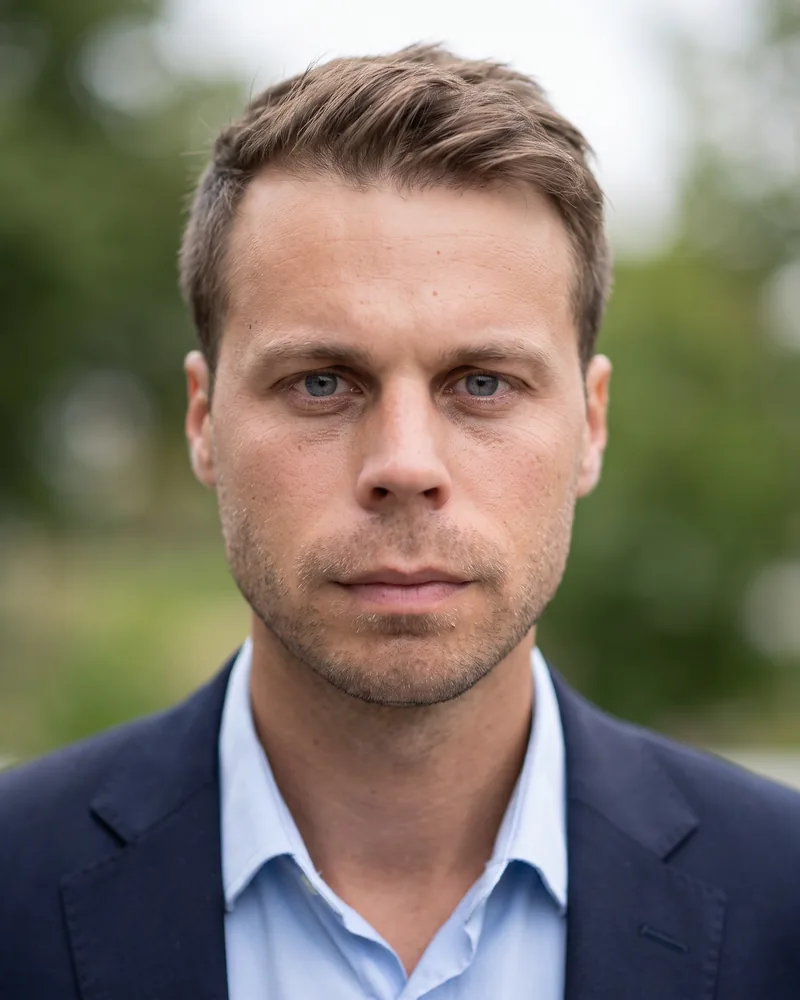
Outdoor Light
Open shade and daylight, with a softly defocused outdoor background. Approachable without being casual.
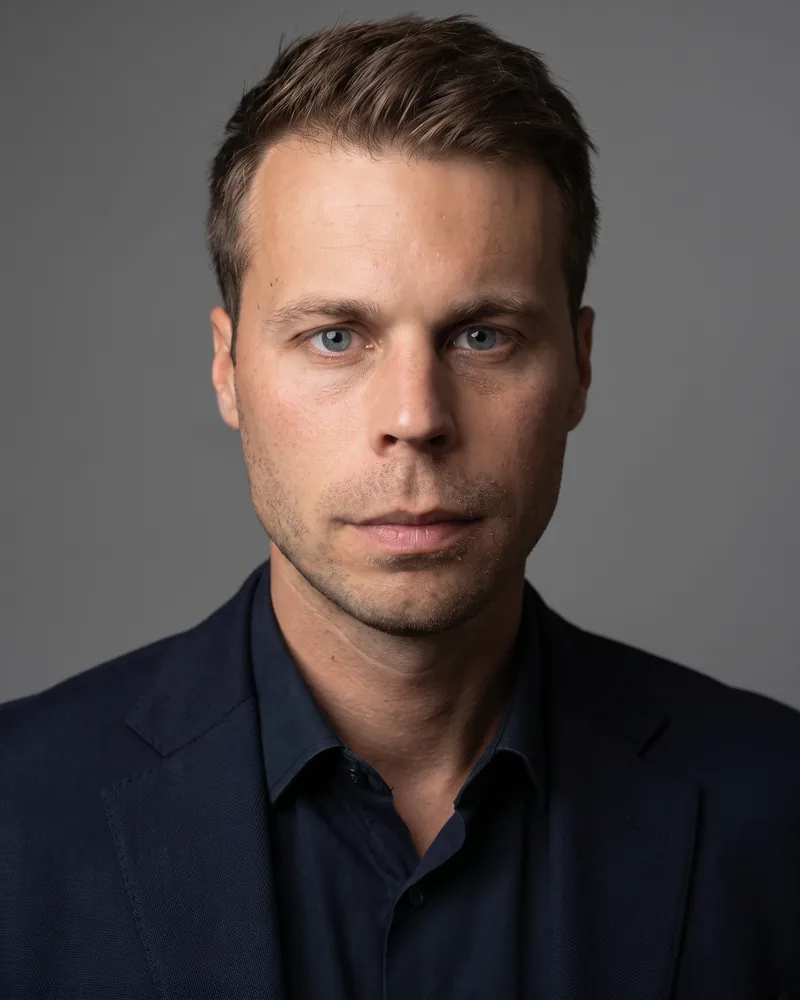
Colour on Grey
A colour portrait set against a desaturated grey studio backdrop, with dark neutral clothing that keeps skin tones the only colour in frame. Soft directional light shapes the face while everything around it stays muted.
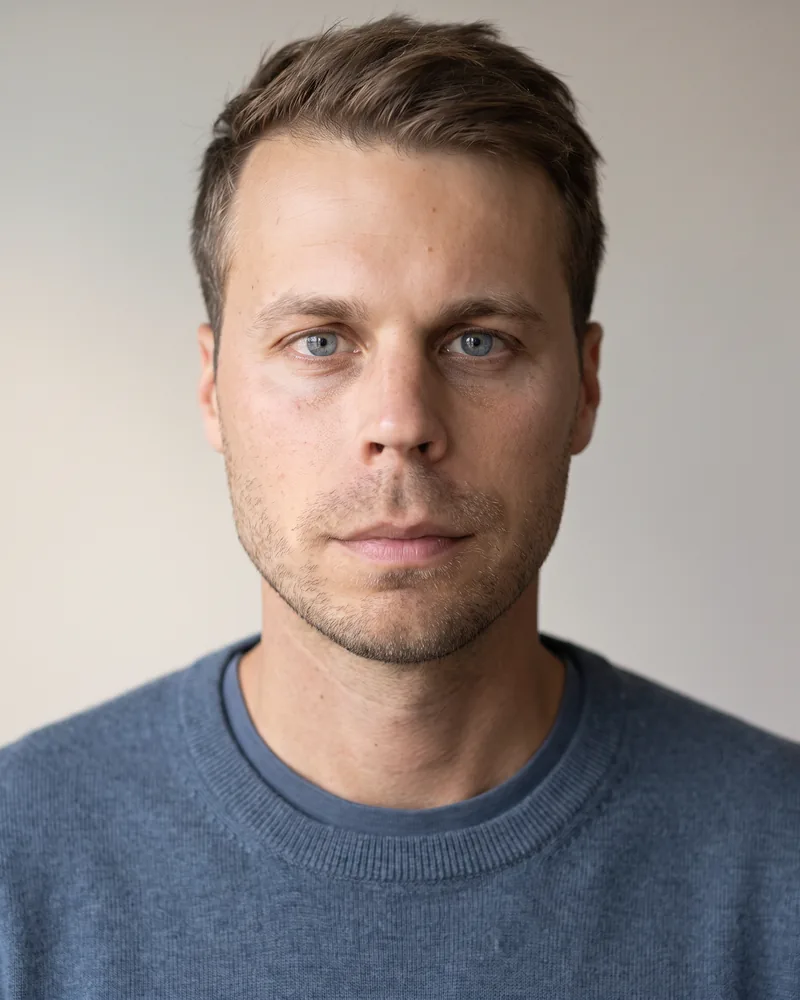
Startup Casual
No jacket, bright and airy. For places where a suit would look like you were interviewing elsewhere.
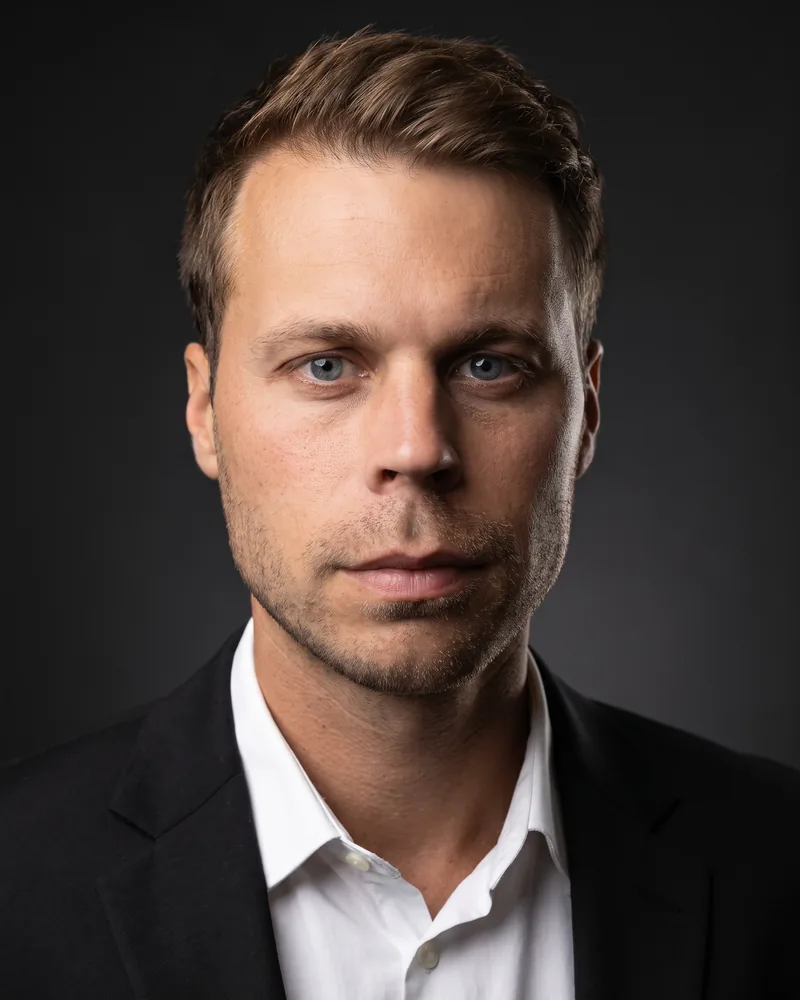
Executive Dark
Directional light on a near-black background. The most formal of the set, and the most photographic.
One look across a whole team
Individuals can change their look between uploads. Companies usually should not. When an owner pins lighting, attire or background, every person in that team gets those choices whether they made an account today or next year — so the team page, the signatures, the proposals and the press kit all match, and the person who joins in eleven months matches too.
Every headshot ships in these crops
You do not pick a crop. Each image you buy is delivered in these sizes, cut from the same frame, so you are never re-cropping a face in a browser tab.
Square
Signatures, profiles, directories and chat.
Portrait
Team pages, bios, decks and press.
Round
A circular avatar with a transparent corner, for apps that show people in a circle.
Transparent
The full portrait with the background removed, for your own layouts.